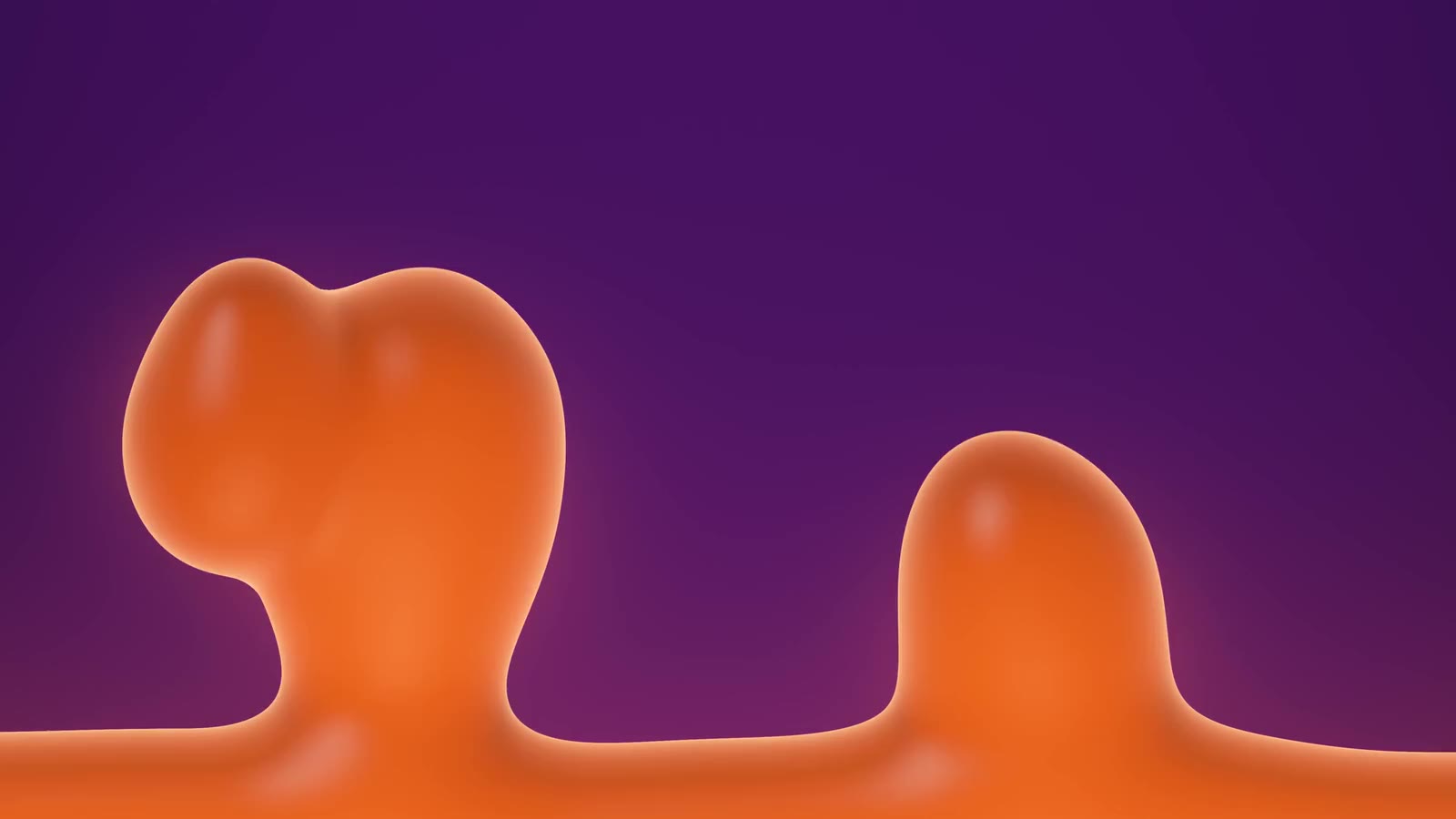
A real lava lamp, right behind your desktop icons.
Warm wax rises, stretches, snaps free and sinks again. It's drawn live on your graphics card, so it never repeats. And it's running right now, behind these words.
How it works
Not a video.
A lamp.
Every frame is worked out as it's drawn. The bulb heats the wax in the pool, so it swells and rises on a neck that thins until it snaps. Up top it cools, rounds off and sinks back, and the pool ripples where it lands. Pieces merge, split and pass in front of each other. The same lamp never happens twice.
-
Real wax physics
Heat at the bottom, cooling at the top, buoyancy, drag and slow currents in the liquid. Blobs stretch out of the pool, merge and split like the real thing.
-
Wallpaper or screensaver
Behind your icons, full screen when your PC is idle, or both. Any key or mouse move ends the screensaver.
-
Music mode
The wax dances to whatever your PC plays: bass heats it, beats ripple the pool, the glow follows the volume.
-
Day cycle
Morning, noon, dusk, evening and night change the light, following your clock or in a loop. Try it on the lamp's base above.
-
Play with it
A soft light follows your cursor. Stir the wax, warm it so it rises, or draw it towards the mouse.
-
Light on your PC
Rests when windows cover the desktop or the screen is off, and can pause on battery. Power profiles included.
The app
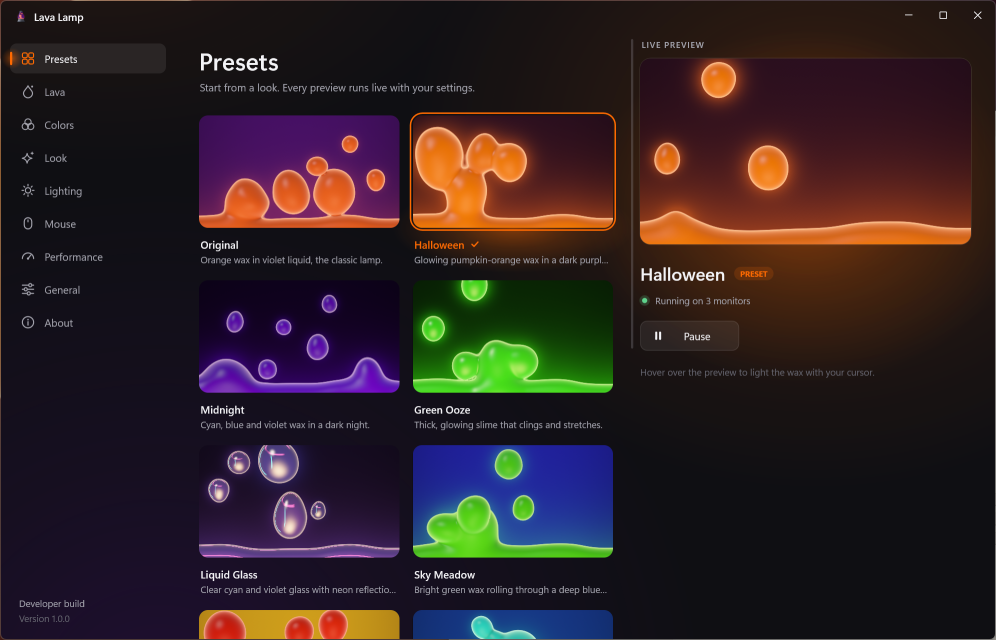
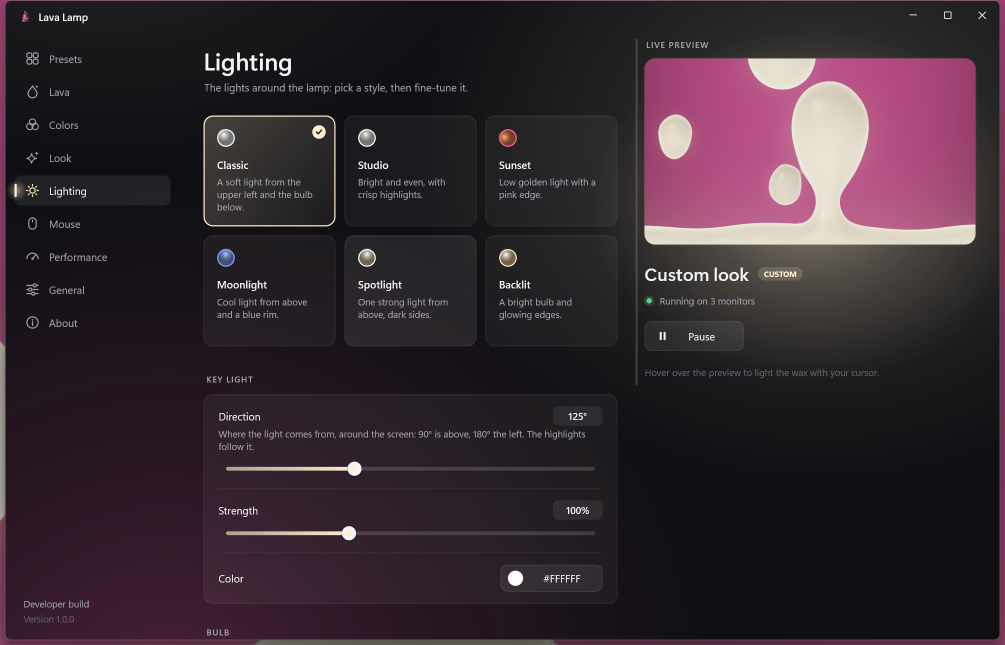
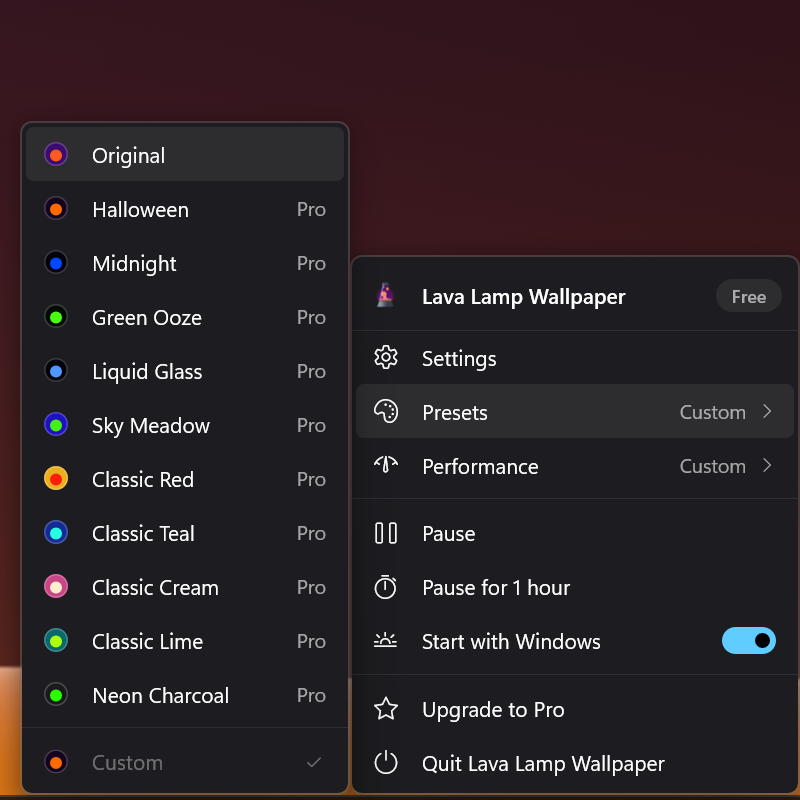
Fourteen looks to start from. Or mix your own.
Pricing
$3.99
Pro is a single payment that's yours to keep.
No subscription, no account, no ads.
| Feature | Free$0 | Pro$3.99 once |
|---|---|---|
| The classic lamp in four colors | Yes | Yes |
| Pick your own wax and liquid colors | Yes | Yes |
| Live wallpaper and screensaver | Yes | Yes |
| Power saving and performance profiles | Yes | Yes |
| Monitors | Primary | Every one |
| All fourteen presets and every setting | No | Yes |
| Music mode and the day cycle | No | Yes |
| Lighting styles and cursor effects | No | Yes |
| Glass, neon and window reflections | No | Yes |
| Save your own looks | No | Yes |
| Get it free | Get Pro |
Buy Pro inside the app from the Microsoft Store, or here with a license key you enter in the app. Payments here are handled by Polar, our merchant of record.
Good
questions.
What do I need to run it?
Windows 10 (version 1809 or later) or Windows 11, 64-bit, and a graphics card with DirectX 10 or later, which every PC from the last decade has.
Will it slow down my PC or drain my battery?
The lamp rests whenever windows cover the desktop or the screen is off or locked, and can pause or halve its frame rate on battery. The Power saver profile draws at half resolution and 24 frames per second.
Does the screensaver stop my display from sleeping?
No. Your display still turns off on your normal Windows schedule, and the screensaver stops when it does. It also waits while a video, game or presentation is on screen.
Does music mode record what I play?
No. It measures the loudness, bass and beats of the sound as it plays, in memory. Nothing is recorded, saved or sent anywhere, and the microphone is never used. See the privacy policy.
I bought Pro. How do I use it on another PC?
Bought in the Microsoft Store: sign in with the same Microsoft account and Pro is there. Bought here: enter your license key in the app; you can find it again in your receipt email or the customer portal.
Can I get a refund?
Purchases in the Microsoft Store follow Microsoft's refund policy. For purchases here, email us at SUPPORT_EMAIL within 14 days.
Is the lamp on this page the real thing?
Yes. It's the app's own wax simulation and shader, running in your browser. The app adds glass, neon and window reflections, and draws behind your desktop icons instead of behind a web page.